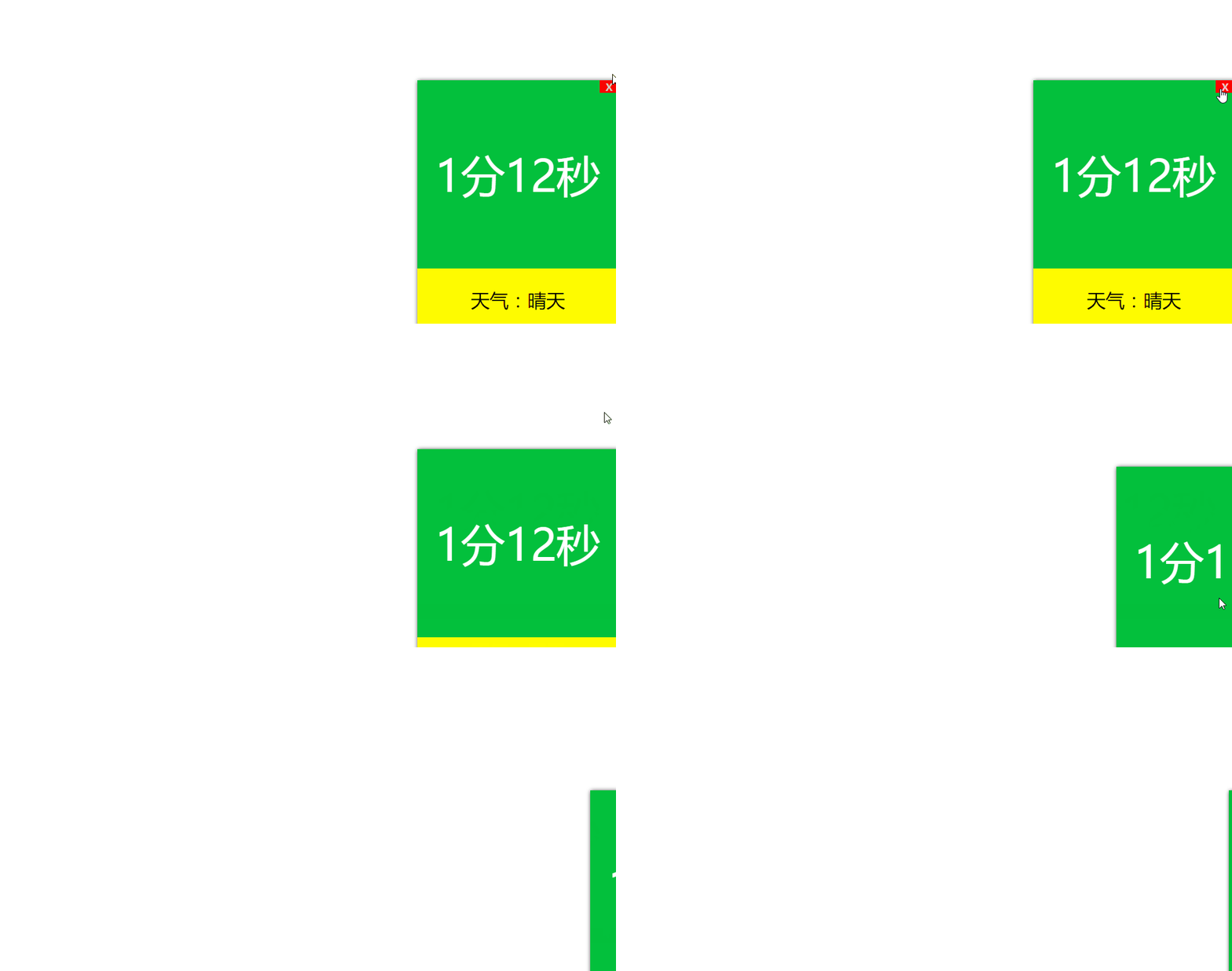
实现效果:
实现原理:
给关闭按钮绑定点击事件,点击以后触发动画效果。利用jQuery的animate方法,先让显示天气的盒子高度变为0,接着让整个包含天气和事件的盒子宽度变为0,最后通过将display属性值设为none,使得close按钮消失。
实现代码:
<!DOCTYPE html>
<html>
<head>
 <title>仿360开机效果</title>
 <meta charset="utf-8">
 <style type="text/css">
 *{
 padding: 0;
 margin: 0;
 }
 .box{
 width: 320px;
 position: fixed;
 bottom: 0;
 right: 0;
 box-shadow: 1px 1px 10px #2d2d2d;
 }
 #close{
 position: absolute;
 top: 0;
 right: 0;
 width: 30px;
 height: 20px;
 cursor: pointer;
 background-color: red;
 color: pink;
 font-weight: bold;
 text-align: center;
 }
 .hd{
 width: 320px;
 height: 300px;
 background-color: #03c03c;
 color: #fff;
 font-size: 70px;
 line-height: 300px;
 text-align: center;
 }
 .bd{
 width: 320px;
 height: 100px;
 background-color: #fffc00;
 font-size: 30px;
 line-height: 100px;
 text-align: center;
 }
 </style>
</head>
<body>
<div class="box">
 <span id="close">X</span>
 <div class="hd" id="t">1分12秒</div>
 <div class="bd" id="b">天气:晴天</div>
</div>
<!-- 引入jQuery -->
<script type="text/javascript" src="./jquery1.0.0.1.js"></script>
<script type="text/javascript">
 window.onload = function(){
 var close = document.getElementById("close");
 var box = close.parentNode;
 var b = document.getElementById("b");
 // 给关闭按钮绑定点击事件
 close.onclick = function(){
 animate(b, {"height":0}, function(){
 animate(box,{"width":0});
 });
 close.style.display = "none";
 }
 }
</script>
</body>
</html>
PS:JS 实现时间倒计时
<script type="text/javascript">
var maxtime = 1350057600 //截止到的日期
var now=parseInt((new Date().getTime())/1000);//获取当前的日期
var cha_time=maxtime-now;//中间所差的时间
下面方法把相差的时间组合成倒计时的字符串,然后放到页面相应位置实现,实时刷新
function CountDown(){
if(cha_time>=0){
var day = Math.floor(cha_time/3600/24);
var hour= Math.floor((cha_time/3600)%24);
var minutes = Math.floor((cha_time/60)%60);
var seconds = Math.floor(cha_time%60);
msg = "离结束还有"+day+"天"+hour+"小时"+minutes+"分"+seconds+"秒";
$(".ws_sg_con_big,.ws_sg_con_small").find("dd").html(msg);
--cha_time;
}
else{
clearInterval(timer);
alert("时间到,结束!");
}
}
timer = setInterval("CountDown()",1000);
</script>
总结
以上所述是小编给大家介绍的javascript+jQuery实现360开机时间显示效果,希望对大家有所帮助,如果大家有任何疑问请给我留言,小编会及时回复大家的。在此也非常感谢大家对脚本之家网站的支持!